
This was the week Hypercall stopped being a mobile-only product. The full desktop trading experience shipped with TradingView charts, a command palette, and instant market switching. You can now set a username, browse anyone’s portfolio without connecting a wallet, and see a live ticker bar of top-moving contracts across the top of every page.
Competition Update
The trading competition is one week in with 338 traders and $13.3M in combined volume.
The top three wallets hold $396k of the $765k in total profit, 52%. The top ten hold 76%. The leader did $383k of volume for +$212k at 0.55x efficiency. The number two trader did a sixth of that volume for +$143k at 2.37x, the highest efficiency on the board. At the bottom, the worst loss is -$122k on $603k of volume, the single highest-volume account. The pattern holds: the biggest trader loses the most.
Note: the race chart shows cumulative net flow from fills, which differs from the leaderboard’s mark-to-market P&L. The leaderboard includes unrealized positions valued at theoretical prices.
Among wallets that have been trading for more than a few days, the win rate is 34%. The other two-thirds of the leaderboard is dominated by wallets that showed up in the last 48 hours, placed a single small OTM 0-DTE call, and never traded again. Almost certainly bots or scripts testing the order flow. Good stress test of the infrastructure, but the actual human competition is happening among the ~67 wallets that stuck around.
The competition page also got a full overhaul: rank badges on the home page show your current standing, the prize breakdown ($500 / $300 / $200 in SYN) is now visible on the leaderboard, and there are proper trade CTAs for new users instead of an empty state.
Desktop Trading
The desktop layout is live. Markets with sparklines on the left, chart in the center, options chain on the right. Below the chart sits a tabbed panel with your positions, open orders, trade history, payouts, and liquidations. The ticker bar runs across the top showing the day’s top-moving contracts.
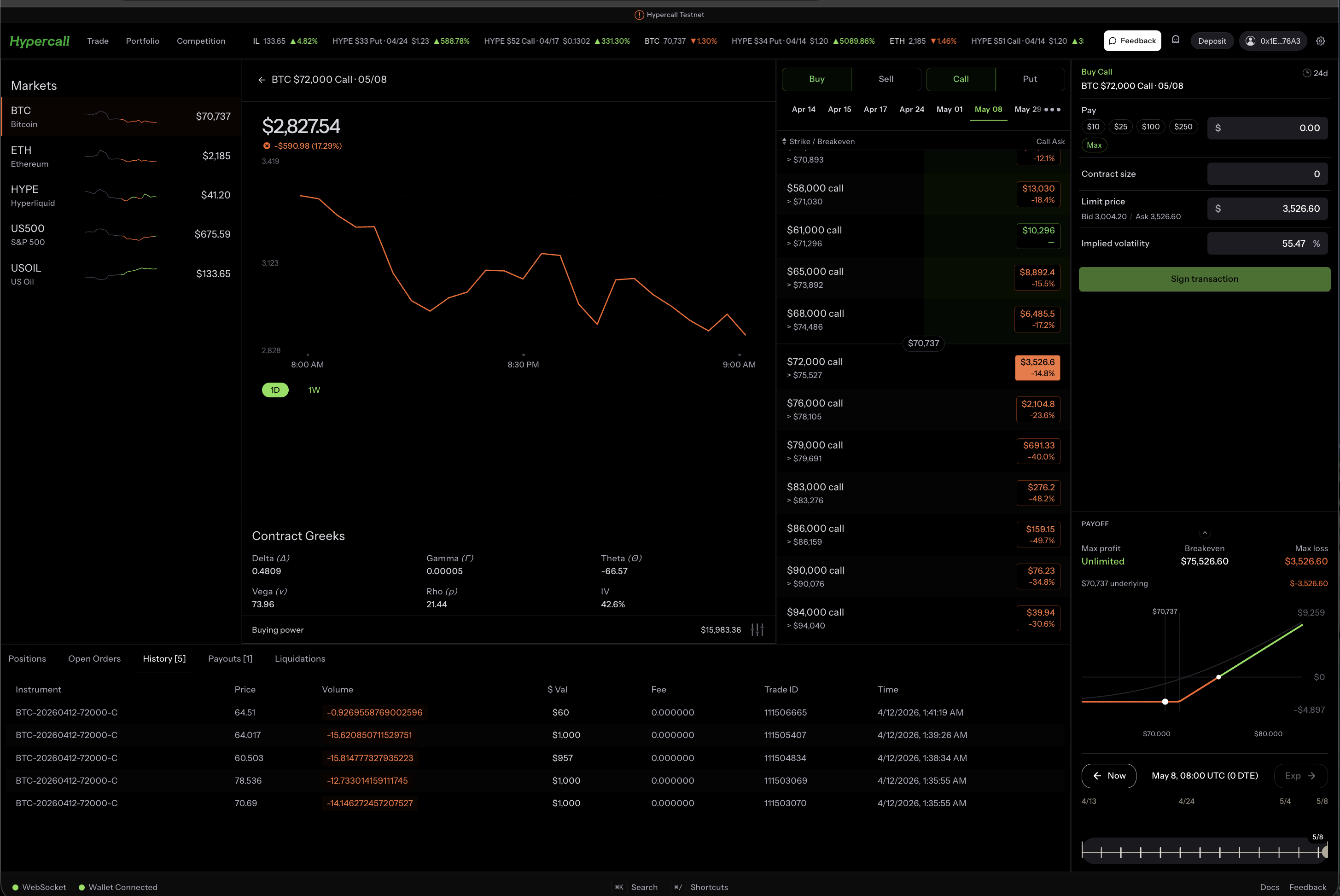
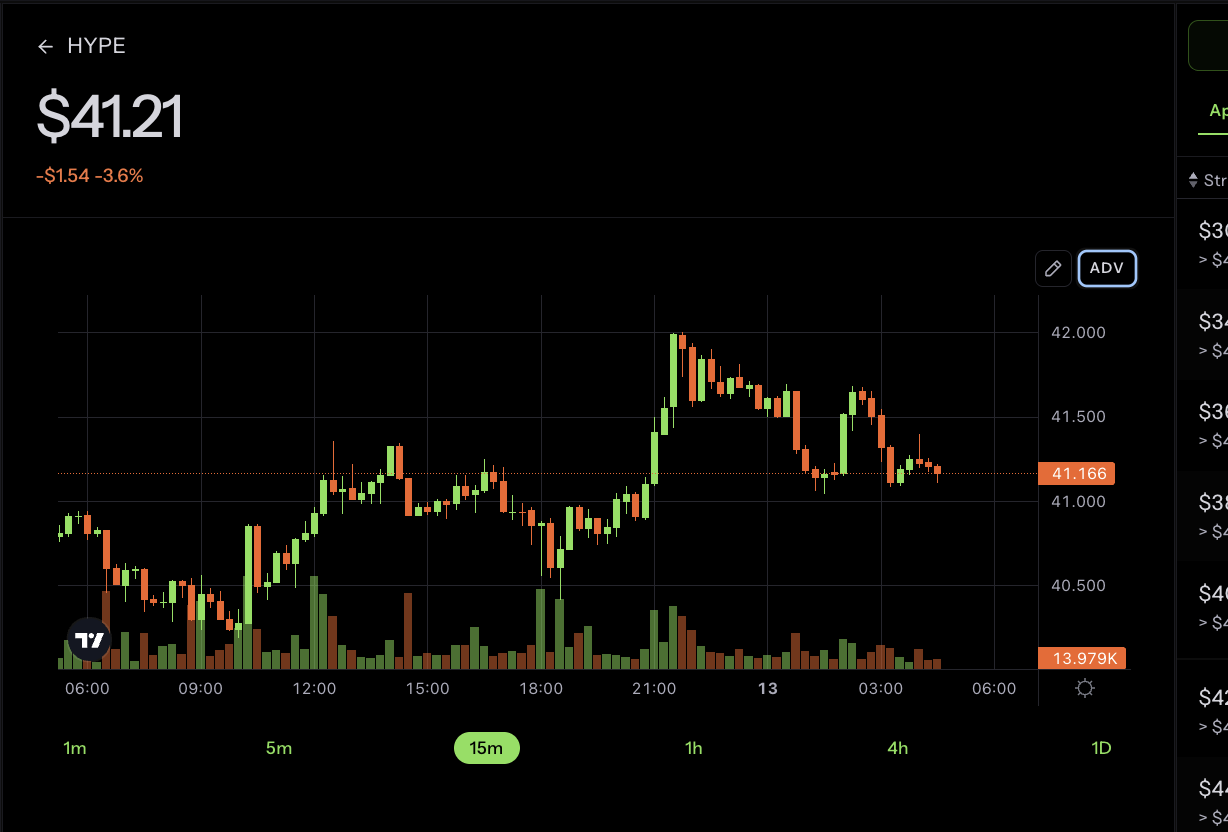
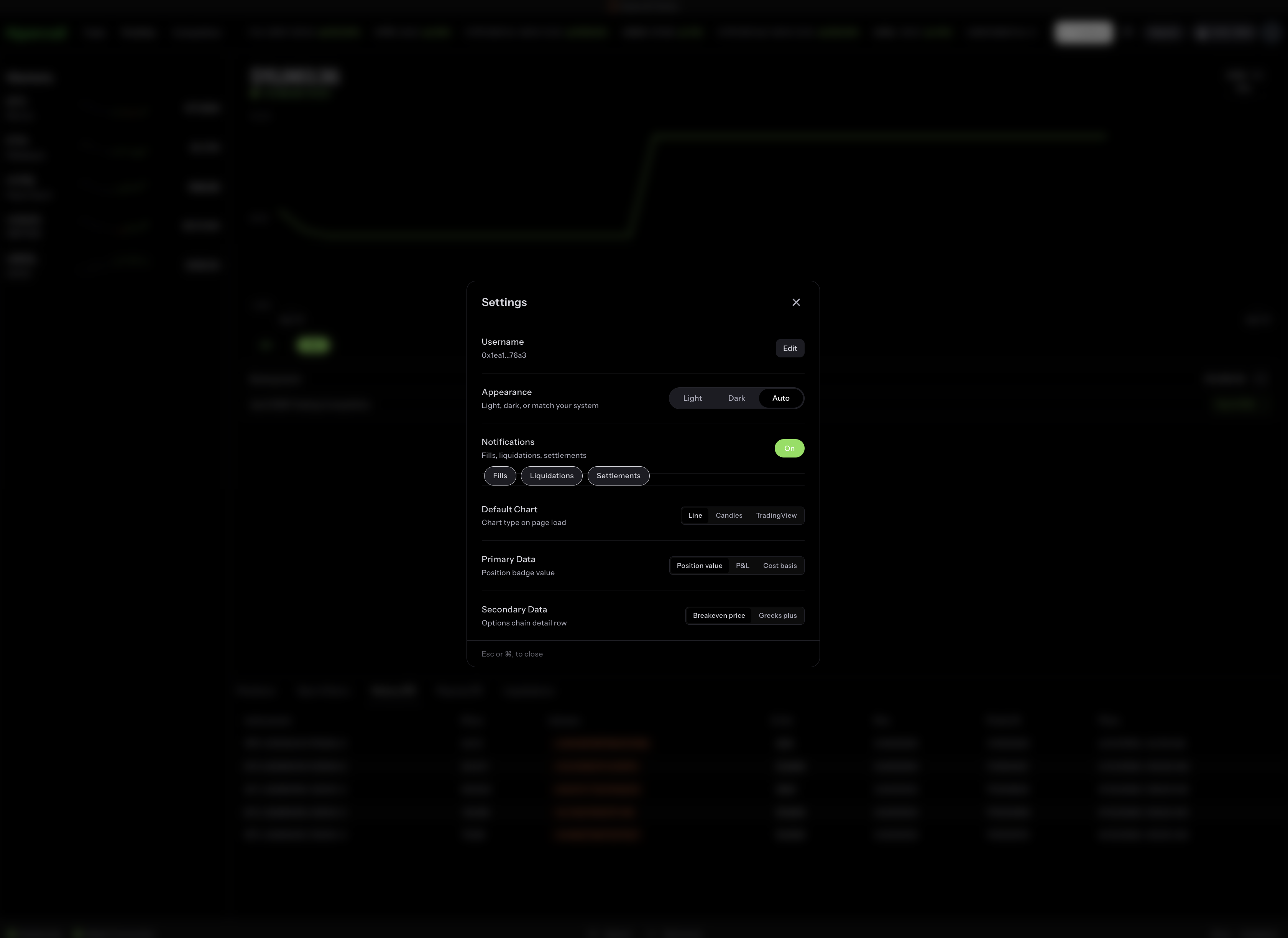
The chart supports three rendering modes: line, candles, and TradingView. You can toggle between them in the account settings.
Command Palette
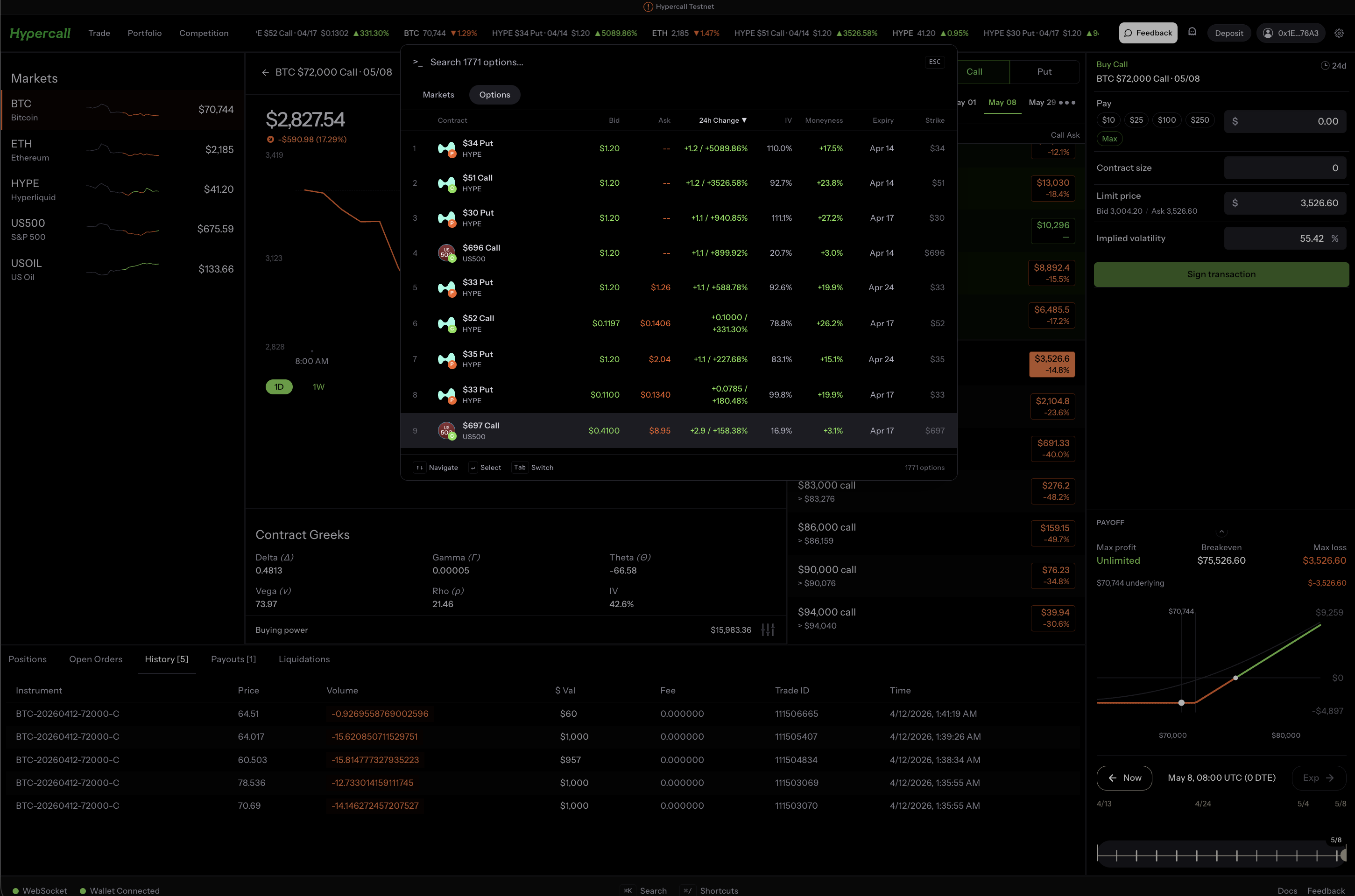
Hit Ctrl+K on desktop to open the command palette. Search across all markets and instruments, jump directly to any contract, and navigate the app without touching the mouse.
Usernames
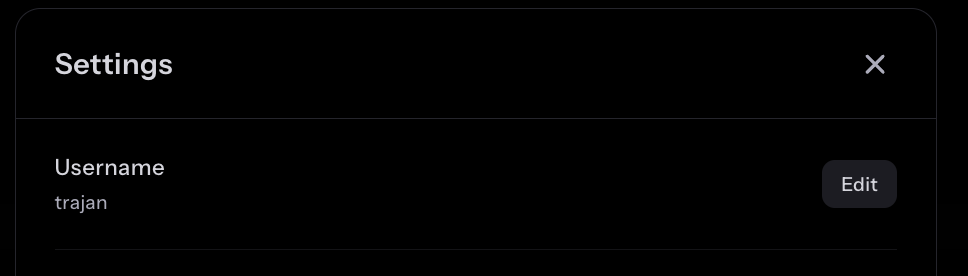
You can now set a display name for your wallet. Your username shows up on the leaderboard, on your profile, and anywhere your wallet address used to appear. Names are claimed via wallet signature, no gas required.
Ghost Mode
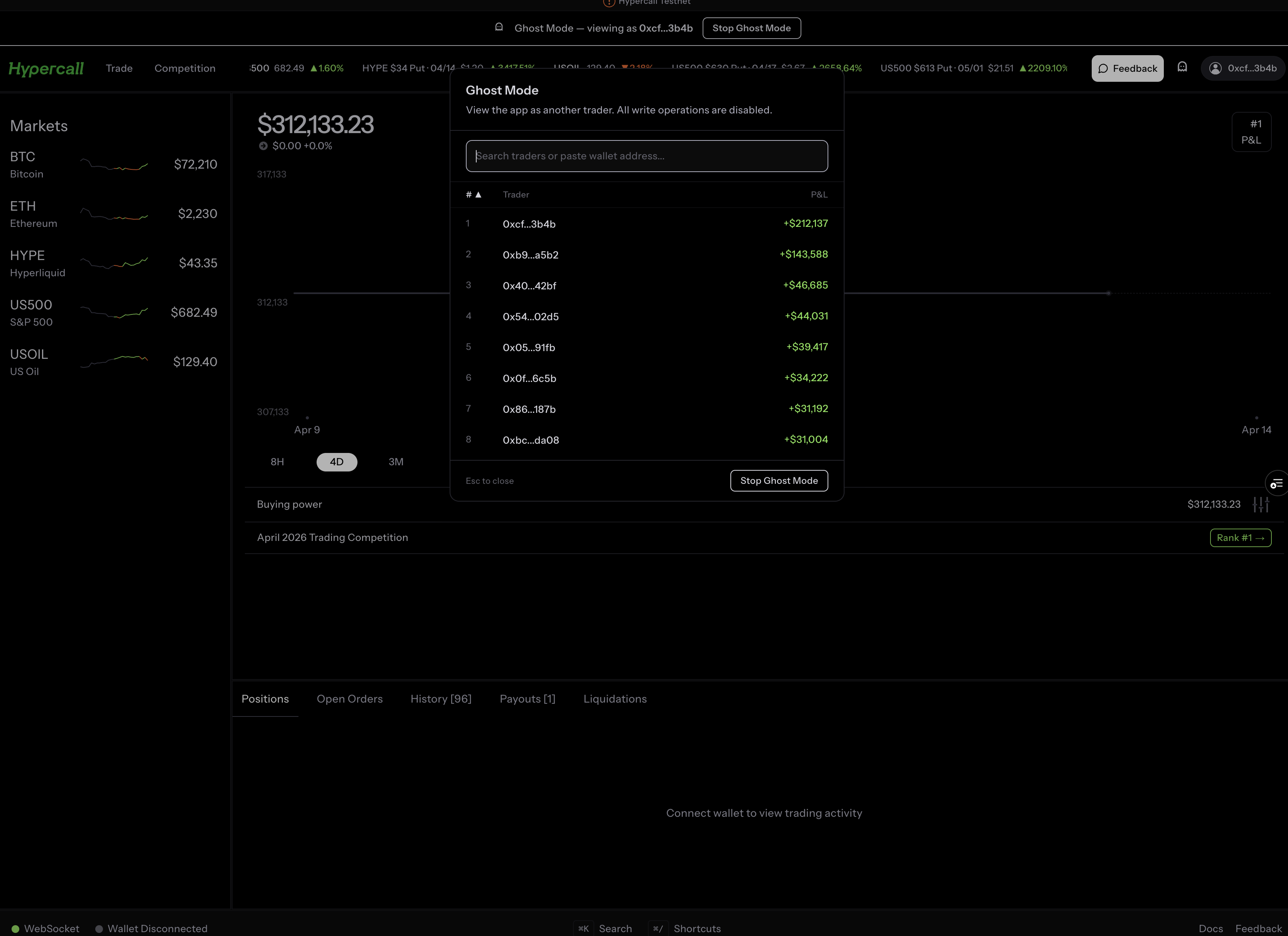
You no longer need to connect a wallet to browse the app. Enter any wallet address to see their full portfolio, positions, P&L history, and trades. Share a link to your portfolio and anyone can view it, even without a wallet extension.
Notifications
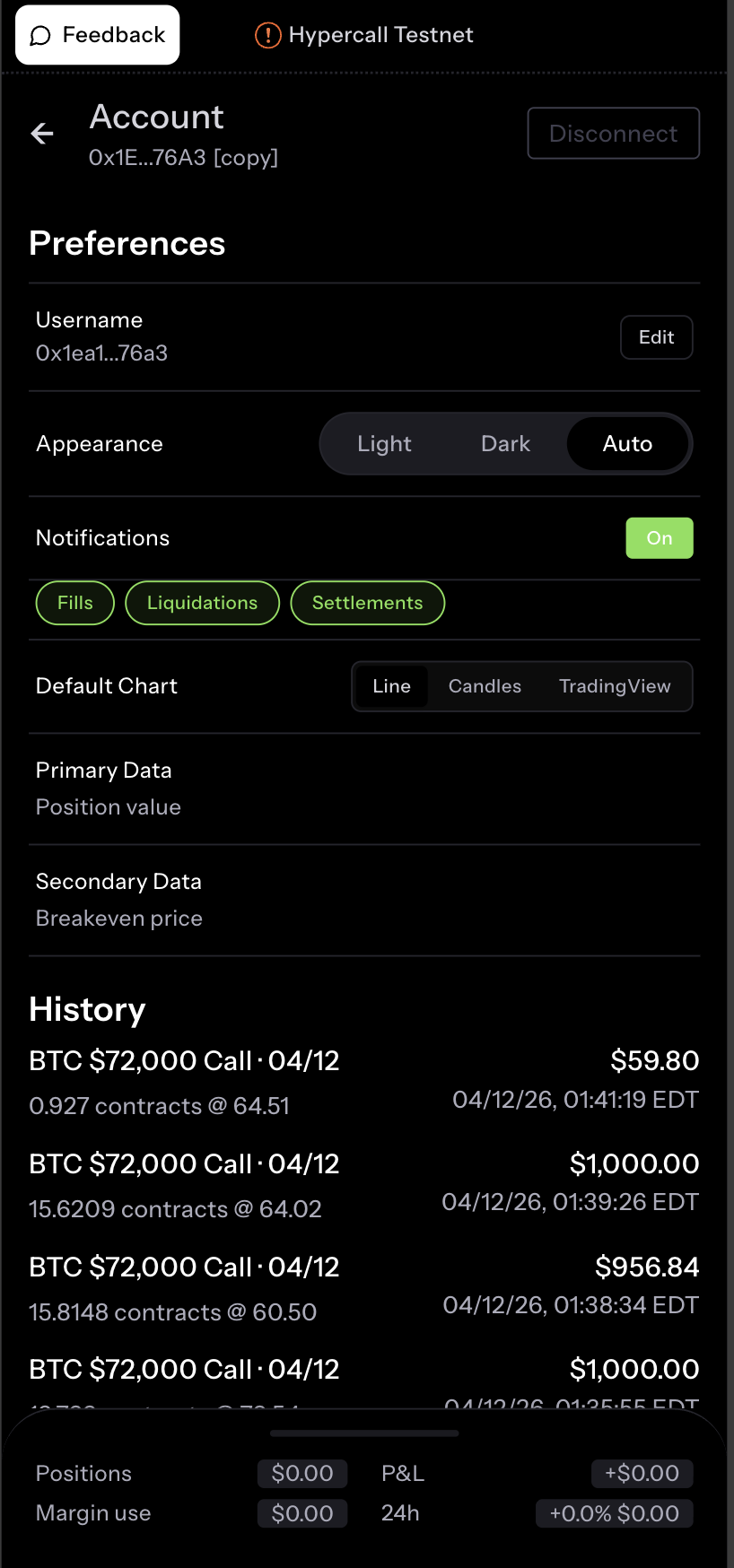
Push notifications for fills and liquidations, even when the browser tab is closed. Toggle per-event-type in your account settings: fills, liquidations, and settlements each get their own switch.
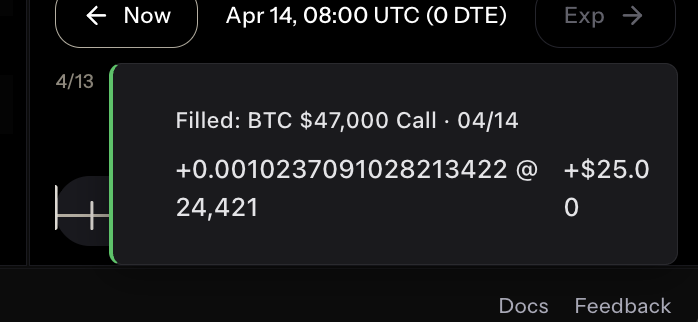
On desktop, events show as compact toast notifications in the corner of the screen instead of the old mobile-style banners.
Instant Market Switching
Clicking a market on the sidebar now switches immediately. Markets also start loading when you hover over them, so by the time you click, the data is already there.
Candle Charts On Every Instrument
Every individual instrument page now has a full candle chart powered by theoretical pricing. This was one of the most requested features from competition traders who wanted to see where a contract had been before deciding whether to trade it.
Dynamic Favicons
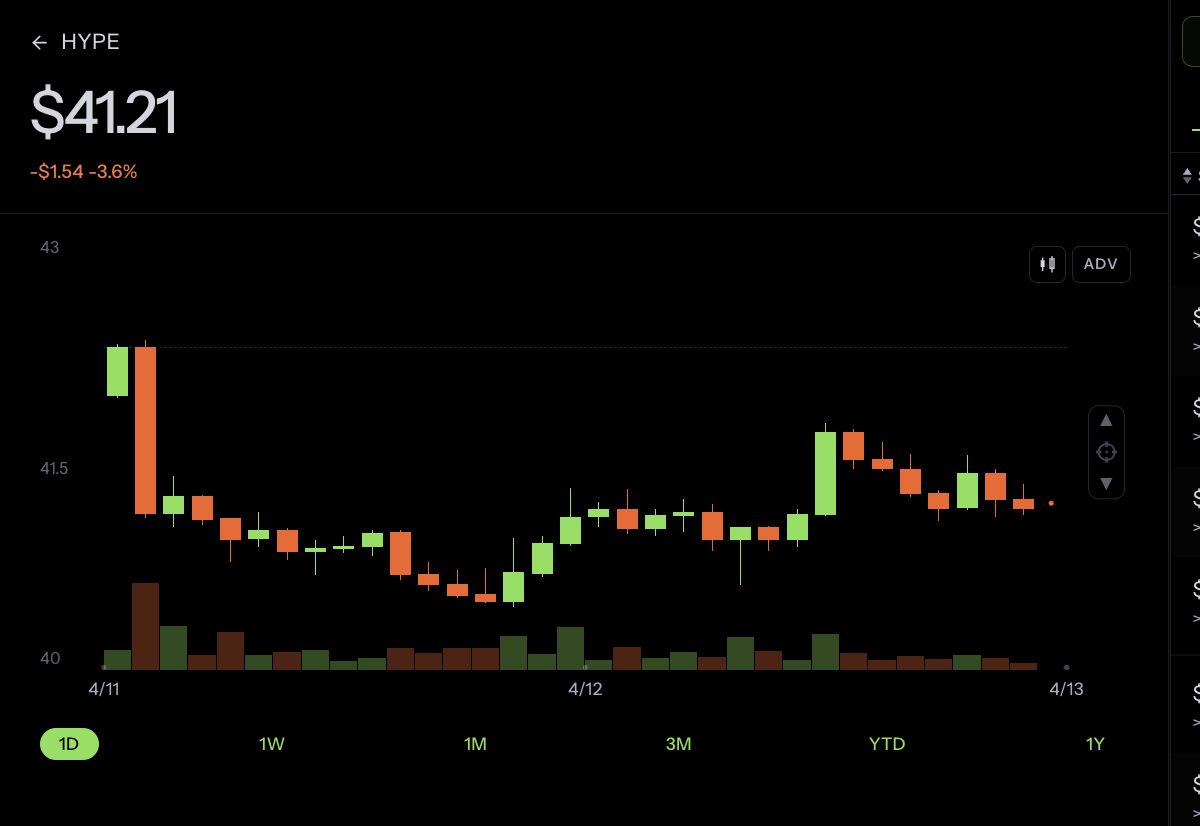
The browser tab favicon now changes based on where you are in the app. Asset pages show the underlying’s icon, and options pages add a call or put badge so you can tell at a glance which tab is which.


Greeks Consistency
Every greek and P&L number on the platform now comes from the same source. Before this change, your position card and the leaderboard could show different numbers for the same position. That is gone. Delta, gamma, theta, vega, and P&L all agree, everywhere.
Speed
Page loads are 2-4x faster across the board. Sparklines on asset pages are cached, the old API proxy route is gone, and pages no longer shift after hydration.
Polish
- Max button on the order form. One tap to size to your available margin.
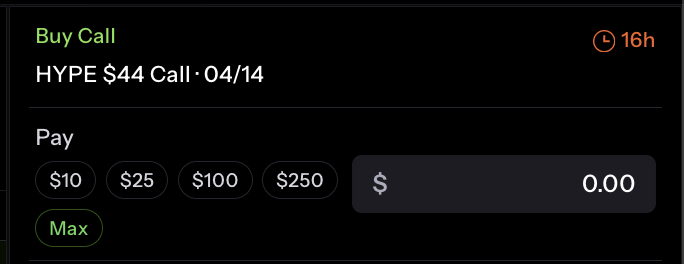
- Commas in large numbers. $1,000,000 instead of $1000000.
- Compact option symbols. Shorter, easier to scan.
- Faucet deposit cap. Deposits now reflect what you can actually get.
Blog Reskin
The blog you are reading right now got a fresh build. We moved from Ghost to Astro, added auto-generated OG images, dark theme, and deployed to Cloudflare Pages.
Open Source: mcpzip
We open-sourced mcpzip, an internal tool we built for working with AI agents. mcpzip aggregates hundreds of MCP (Model Context Protocol) tool servers into three meta-tools: search_tools, describe_tool, and execute_tool. Instead of loading every tool schema into the context window up front, the agent discovers and calls only the tools it needs on the fly. It runs as a lightweight Rust binary with support for multiple transports. Docs here.
Insights
Two new articles shipped:
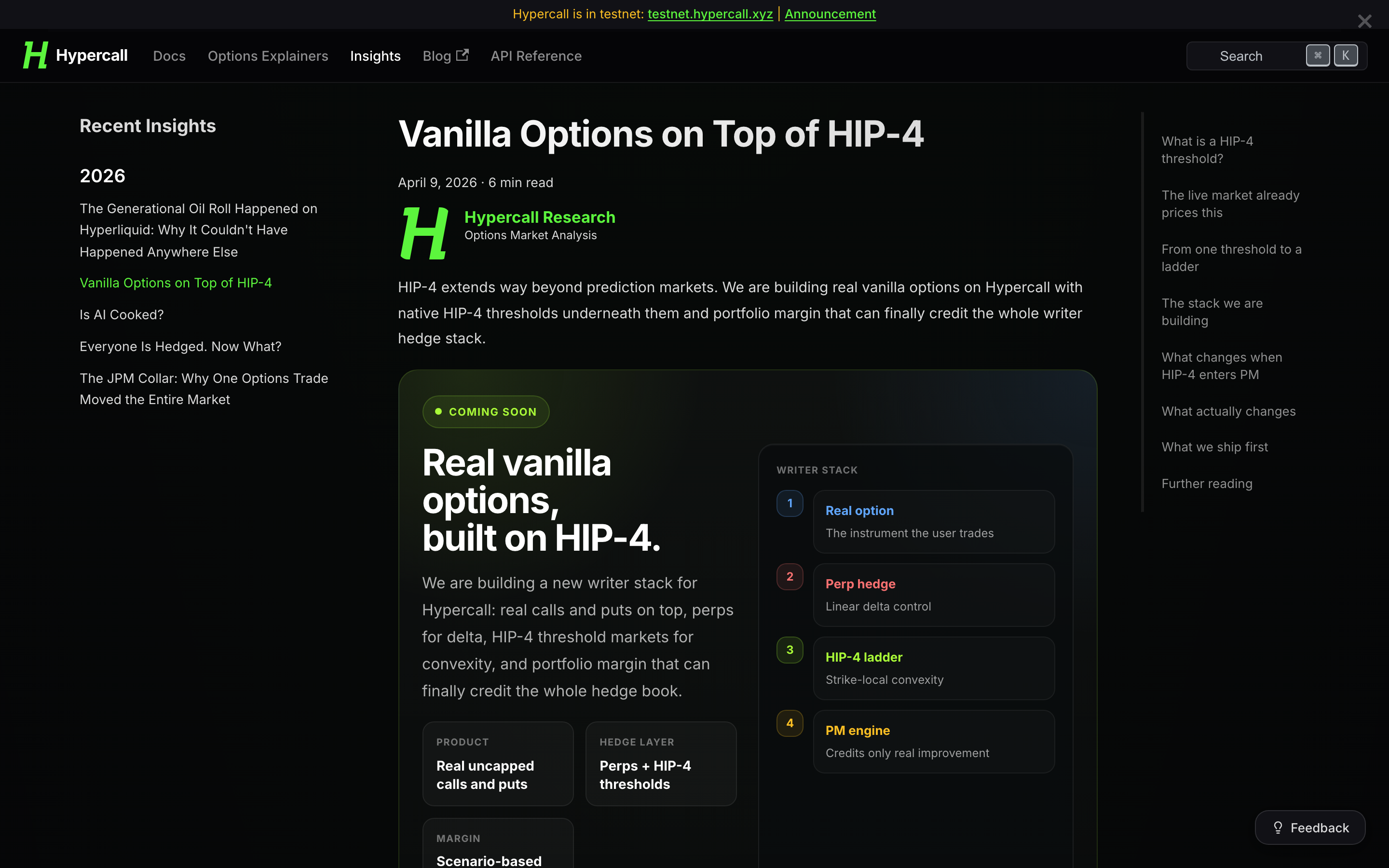
- Vanilla Options on Top of HIP-4 — HIP-4 extends beyond prediction markets into real vanilla options with portfolio margin that credits the whole writer hedge stack.
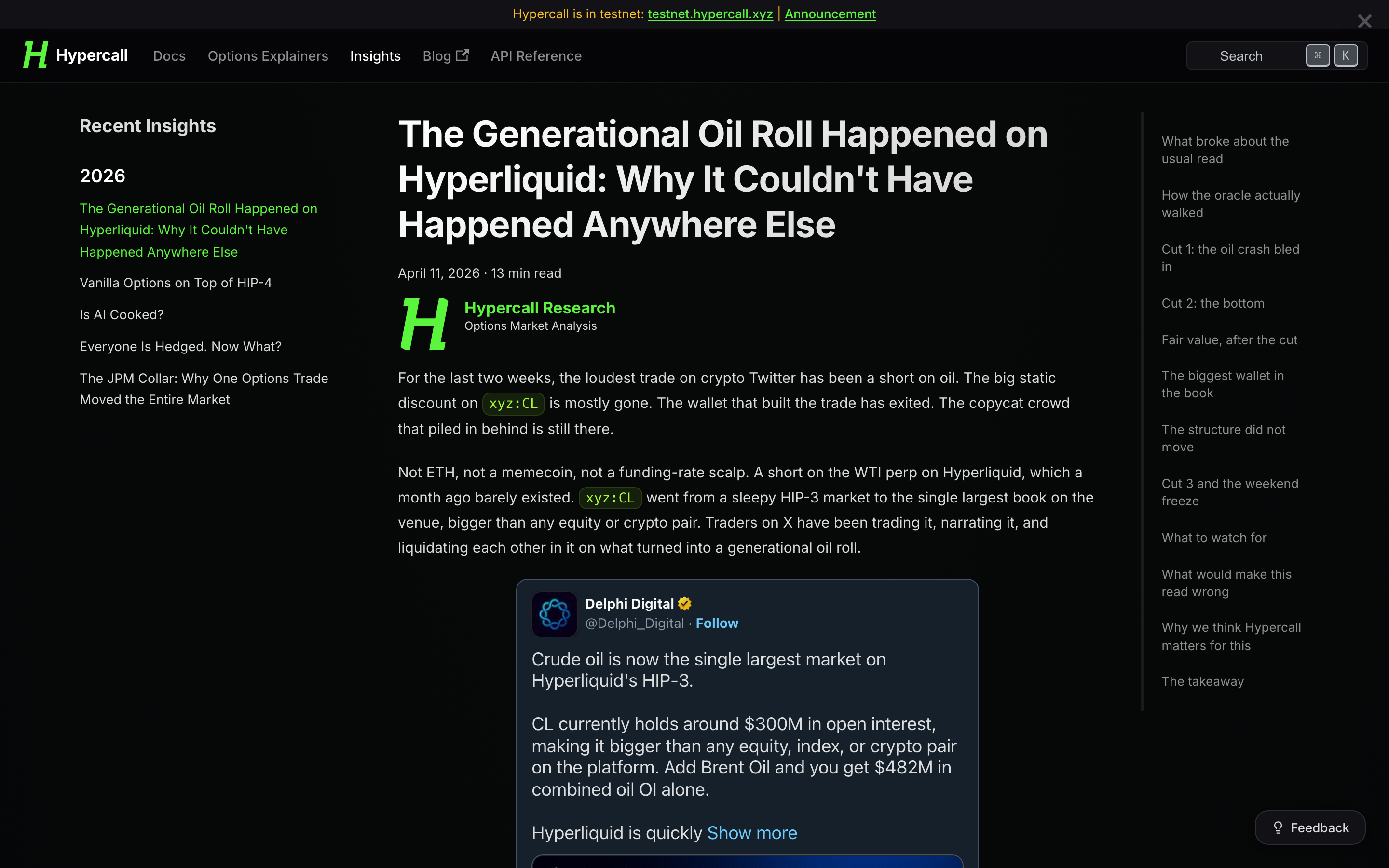
- The Generational Oil Roll on Hyperliquid — How a published oracle walk between dated CME contracts turned the April WTI roll into the loudest trade in crypto.
Looking Forward
The competition runs through the end of the month. Desktop is live and getting daily polish. Next up: interactive payoff simulation on the order flow, and the rest of the RFQ rollout across order management. RFQ is what decides whether a market is tradable on day one or just listed. That is still the single largest effort.
For the full list of changes, see the v0.04-testnet changelog.