
MU + NVDA options are live.
Micron and NVIDIA option markets are open on Hypercall.
Here’s what shipped after SP500.
Since SP500
- MU and NVDA are live. Both option markets are open in the app.
- The app and docs are localized. Twelve languages in the app, with the same choices in the docs.
- The chain is easier to read. Book prices show size, indicative prices are labeled, and you can inspect the RFQ quotes behind an aggregate.
- Order entry and charts got updates. Mobile Cancel All, the desktop TradingView legend, and reduce-only API closes.
- Deposit Address works on supported routes and accounts. Fund from a wallet or exchange without connecting that source wallet first.
Why Micron and NVIDIA
NVIDIA is the compute trade. Micron is the memory trade. They share a cycle, but they do not trade for the same reasons.
That is why they are separate markets.
Trade in Your Language
The app is now available in 12 languages: English, Spanish, Portuguese, Ukrainian, French, German, Japanese, Korean, Simplified Chinese, Turkish, Vietnamese, and Russian.
Switch language and stay on the page you were using.
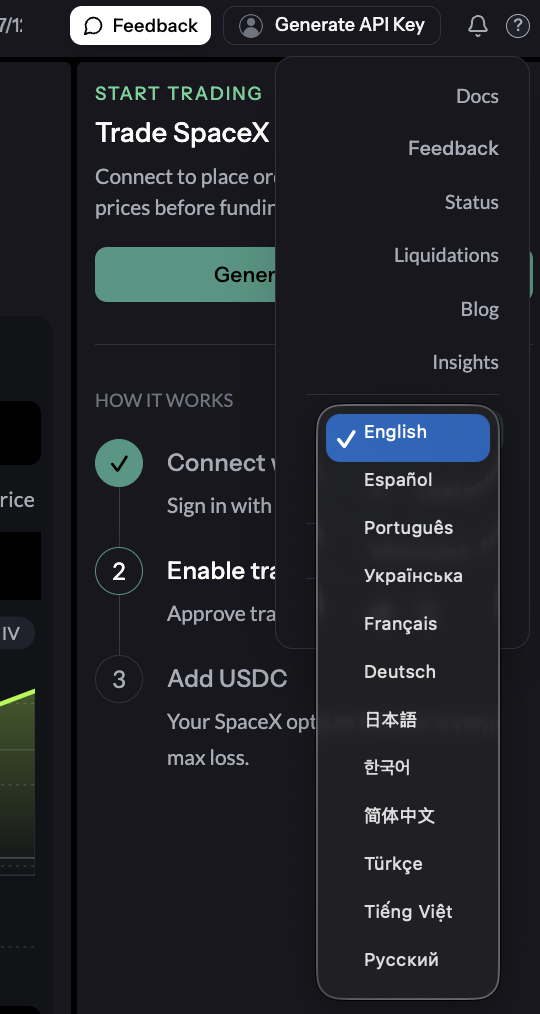
These translations are a first pass. We are working with local traders on financial terminology and the parts of a trade flow that only make sense to someone who uses it.
Trade in one of these markets and want to help? We pay for this work. Ask in Trollbox.
Docs Got Localized Too
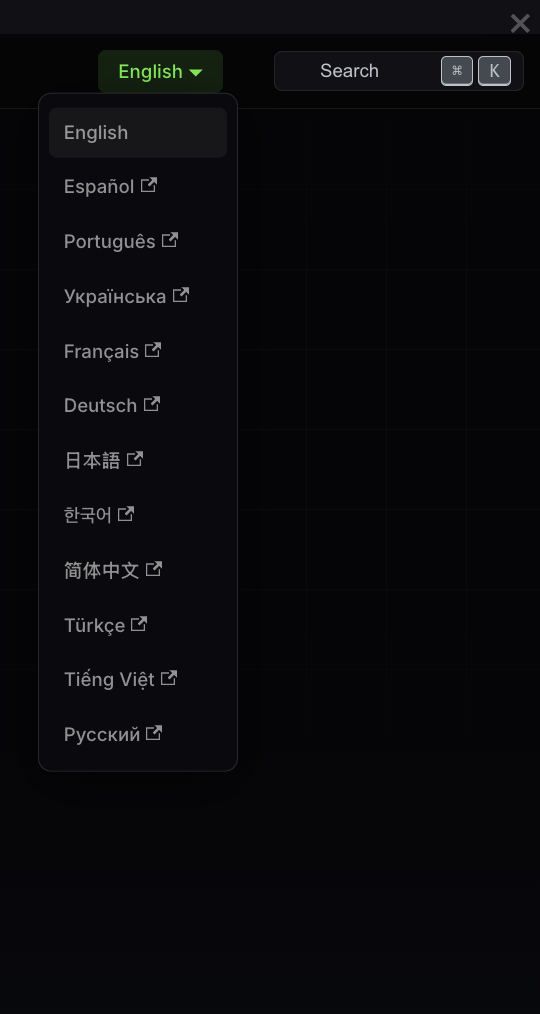
The Hypercall docs use the same language picker and keep you on the page you are reading.
English is the source text. The other versions are machine-translated for now, then corrected with trader feedback.
Deposit Address
Deposit Address is for money that is not in your connected wallet. On supported routes and accounts, choose the source chain and token, get an address, then send.
The route can swap, bridge, and credit USDC automatically. It is not universal yet. Read the route before you send: automatic credit is only available where the app shows it.
The Chain Shows Its Work
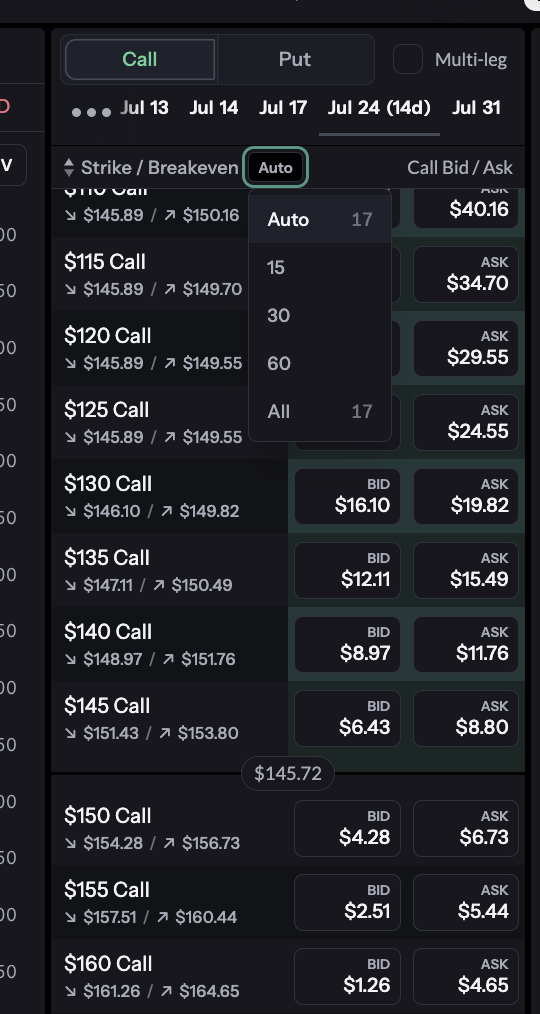
A bid or ask needs a source. Book prices show available size. Indicative prices are labeled, and the quote view shows the RFQ providers behind an aggregate.
Pick Auto, 15, 30, 60, or All strikes instead of scrolling an entire expiry.
Small Things You Notice When You Trade
- Cancel All is on mobile. Pull your working option orders in one tap.
- The desktop chart shows TradingView’s native legend. Series, OHLC, and price change are right there.
- Reduce-only is available through the API. A close cannot flip into a larger position.
- Payoff follows your order size. Fractional contracts no longer display as one full contract.
- See the RFQ quotes under an indicative price. Filter the aggregate down to one provider when you need to.
Trade MU and NVDA
Open Hypercall, pick MU or NVDA, choose an expiry and strike, then trade the view you came for.
This content is informational and not financial or investment advice. Trading options and digital assets carries risk.